Backup and Disaster Recovery Checklist for Small Businesses
A backup and disaster recovery checklist for small businesses: what to protect, recovery targets, the 3-2-1 rule, ransomware-resistant copies, and restore tests.
A failed server, a ransomware attack, a stolen laptop, a fire, or one wrong click in a shared folder can each take a small business offline, and the backup plan decides whether that lasts an hour or a month. Use this checklist to build a plan or to test the one you have. If you are in the middle of an incident right now, skip to the last section.
List what you need to recover
Inventory every system and where its data lives:
- File shares and on-premises servers
- Line-of-business applications and their databases
- Microsoft 365 or Google Workspace email, files, and chat
- Accounting and payroll systems, including cloud-hosted ones
- Laptops and desktops that hold local files
- Configurations for firewalls, switches, phone systems, and other network equipment
- The password vault and the recovery codes for administrator accounts
Note who owns each system and which vendor supports it.
Set recovery targets for each system
Two numbers define what the backup has to deliver:
- Recovery point objective (RPO): how much data you can afford to lose, measured in time. An RPO of 24 hours means nightly backups are enough. An RPO of 15 minutes needs continuous or frequent backup.
- Recovery time objective (RTO): how long the system can be down before the business is seriously affected.
Set both targets for each system with the people who use it. The accounting system at month-end and an archive share have very different targets, and matching the backup method to each one keeps costs reasonable.
Follow the 3-2-1 rule
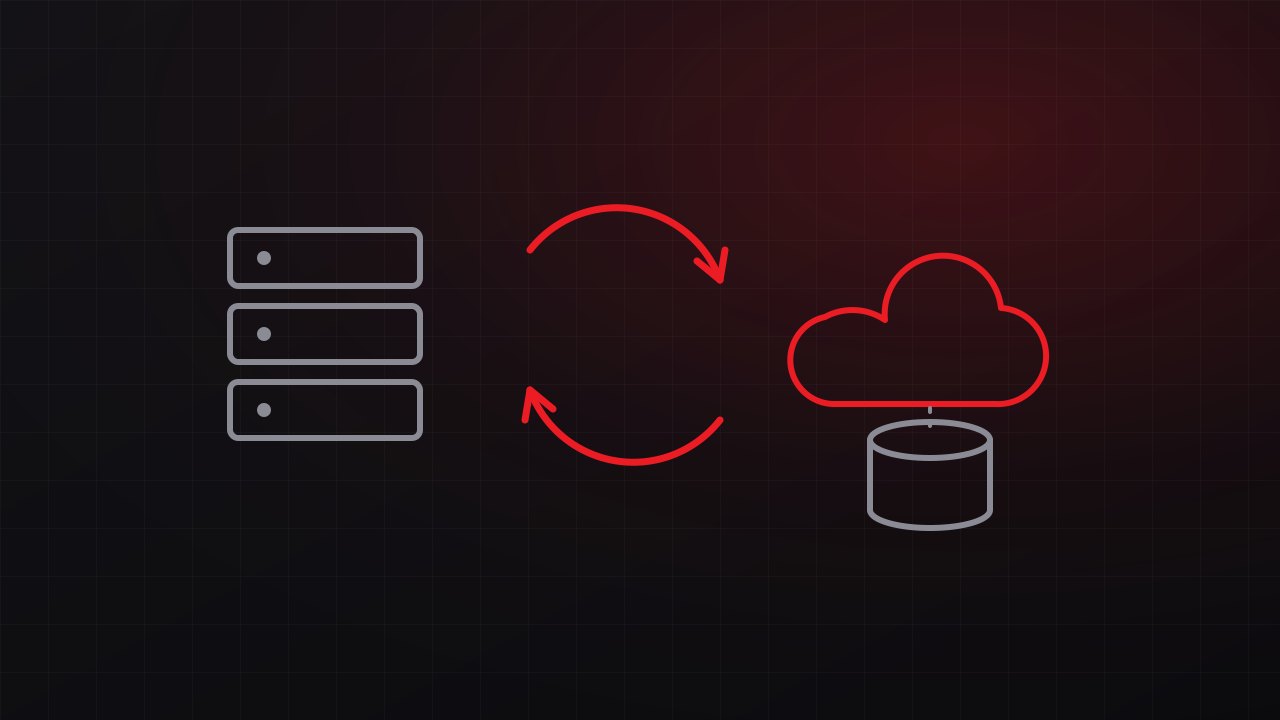
Keep at least three copies of important data, on two different types of storage, with one copy off site. Many organizations now extend this to 3-2-1-1-0: one copy offline or immutable, and zero errors in verified restores. A typical small-business setup combines local backup to a dedicated device for fast restores with replication to a cloud or offsite target.
Back up your cloud services
Microsoft 365 and Google Workspace keep your data available, and their retention features help recover recent deletions. Under the shared responsibility model these providers publish, protecting your data from deletion, corruption, and compromised accounts is largely your responsibility. A third-party backup of mailboxes, OneDrive, SharePoint, and Teams, or the Google equivalents, closes that gap.
Make at least one copy ransomware-resistant
Ransomware operators look for backups and try to delete or encrypt them before they trigger the attack. Protect at least one copy with immutability (storage that cannot be changed or deleted for a set period), keep an offline copy, or both. Use separate credentials for the backup system, protect them with multi-factor authentication, and keep backup administration off everyday administrator accounts.
Monitor the backups
Backups can fail silently: a full disk, an expired credential, or a new server nobody added to the backup job. Set alerts for failed and skipped jobs, and have a named person review them every day.
Test restores on a schedule
A backup is proven only by restoring it. Restore sample files regularly, restore a full system periodically, and time how long each restore takes. Compare the results with your RTO. If a full restore takes two days and the business can tolerate four hours, change the plan now, while there is time to fix it.
Write the recovery runbook
Document:
- Who can declare a disaster and who needs to be notified
- The order in which systems are restored, based on business priority
- Where backups live and how to reach them, including credentials stored where they survive the outage
- Contacts for vendors, your insurer, and support providers
- The steps to restore each critical system
Keep a printed copy and an offline copy. A runbook stored only on the server that failed is unavailable exactly when you need it.
Plan for the site, too
Recovery also depends on power, internet, and phones. UPS protection for servers and network equipment, a backup internet path, and a call forwarding plan keep the business reachable while systems come back. Our communications continuity plan covers the phone and internet side.
Review the plan when things change
New systems, new staff, a move to a new cloud service, and changes in insurance requirements all affect the plan. Review it at least once a year and after any significant change.
If you’re past the point of prevention
If ransomware or a major failure is already underway:
- Isolate affected systems from the network. Leave them powered on unless your incident responder advises otherwise, because memory can hold evidence.
- Call your cyber insurance carrier before engaging vendors, if you have a policy. Many policies require prompt notification and the use of approved responders.
- Preserve logs and evidence.
- Identify the last clean backup before restoring, so you do not restore the infection along with the data.
- Reset credentials, starting with administrator and backup accounts.
- Restore in the priority order from your runbook, and document every step.
Get help building the plan
Every GTech managed IT client gets a tested backup and disaster recovery plan, with restores verified on a schedule and recovery procedures documented. We also build these plans as standalone projects for Central Coast businesses. Free consultation: 805-979-9897.