How to Migrate Your Business Phones Without Missing a Call
A business phone migration done right is invisible to your customers. The full sequence: audit, network prep, parallel running, porting, and cutover day.
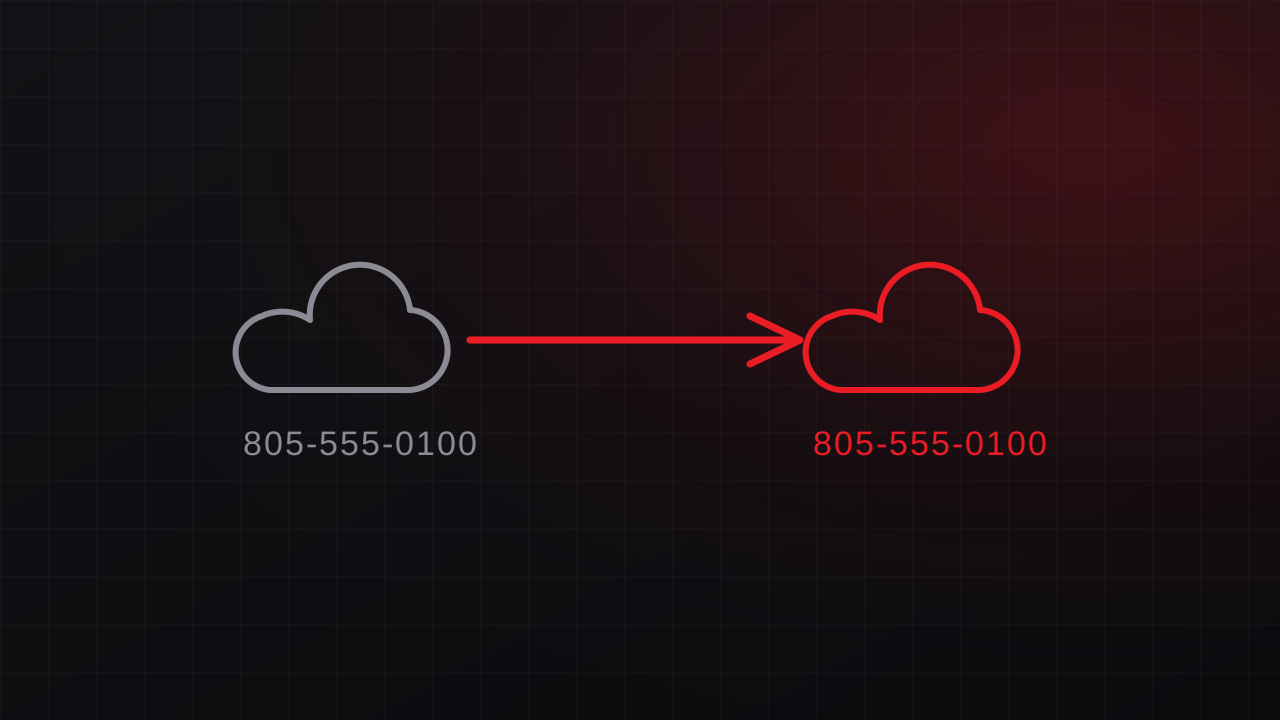
A successful phone migration keeps customer communication uninterrupted. The sequence below supports that outcome for both planned moves and urgent migrations from a provider that stopped supporting its customers.
Step 1: Audit what you actually have
Before touching anything, inventory:
- Numbers: main lines, direct dials, fax, alarm/elevator lines, toll-free. Missing one here is how numbers get lost.
- Call flows: auto-attendant menus, ring groups, business hours, holiday rules, voicemail boxes. Recreate these from current documentation.
- Hardware: every desk phone’s model and firmware, to decide what can be re-provisioned and what gets replaced.
- Integrations: CRM screen-pops, fax services, call recording, paging.
Step 2: Prepare the network first
Voice is unforgiving of a mediocre network. Before cutover, verify bandwidth headroom, configure QoS so voice outranks downloads, and make sure switches deliver PoE where phones need it: the full checklist here. This step, done early, prevents ninety percent of “the new phones are bad” complaints. (It’s also where our networking practice earns its keep.)
Step 3: Build the new system in parallel
Configure the new platform, such as Zoom Phone or another hosted VoIP service, before any numbers move. Set up users, call flows, voicemail, and test numbers. Run old and new systems side by side so testing has zero customer impact.
Step 4: Port on a schedule you control
Submit port requests once the new system is proven. Two rules:
- Old service stays alive until every port confirms. Cancel-first is the classic self-inflicted disaster.
- Pick a low-traffic cutover window: porting completes on a scheduled date, so aim it at a quiet morning, never a Friday afternoon.
If the losing provider is unresponsive, ports may need carrier escalation. Budget extra time and get help early in the process.
Step 5: Cutover day
The port completes; calls arrive on the new platform. The team that set it up should be watching live: testing inbound and outbound, checking each auto-attendant path, confirming voicemail delivery. Users get a one-page cheat sheet and someone to wave down. Done right, cutover is boring.
Step 6: Decommission deliberately
After a week or two of clean operation, cancel old service in writing, keep the final invoices, and recycle retired hardware securely. Update the number anywhere it appears, including your website, Google Business Profile, signage, and invoices.
When you can’t do it in this order
If the provider is already failing, secure numbers first, use interim routing to keep calls flowing, and rebuild on the new platform while ports process. See the emergency version of this playbook.
GTech runs migrations end to end, from audit through cutover, as part of our business phone systems service. Managed IT is available for ongoing support. Free consultation: 805-979-9897.