Adding GPU Servers to an Existing Server Room: Start with Power
GPU servers draw far more power than most server rooms were built for. How to check circuits, UPS capacity, cooling, and redundancy before the hardware arrives.
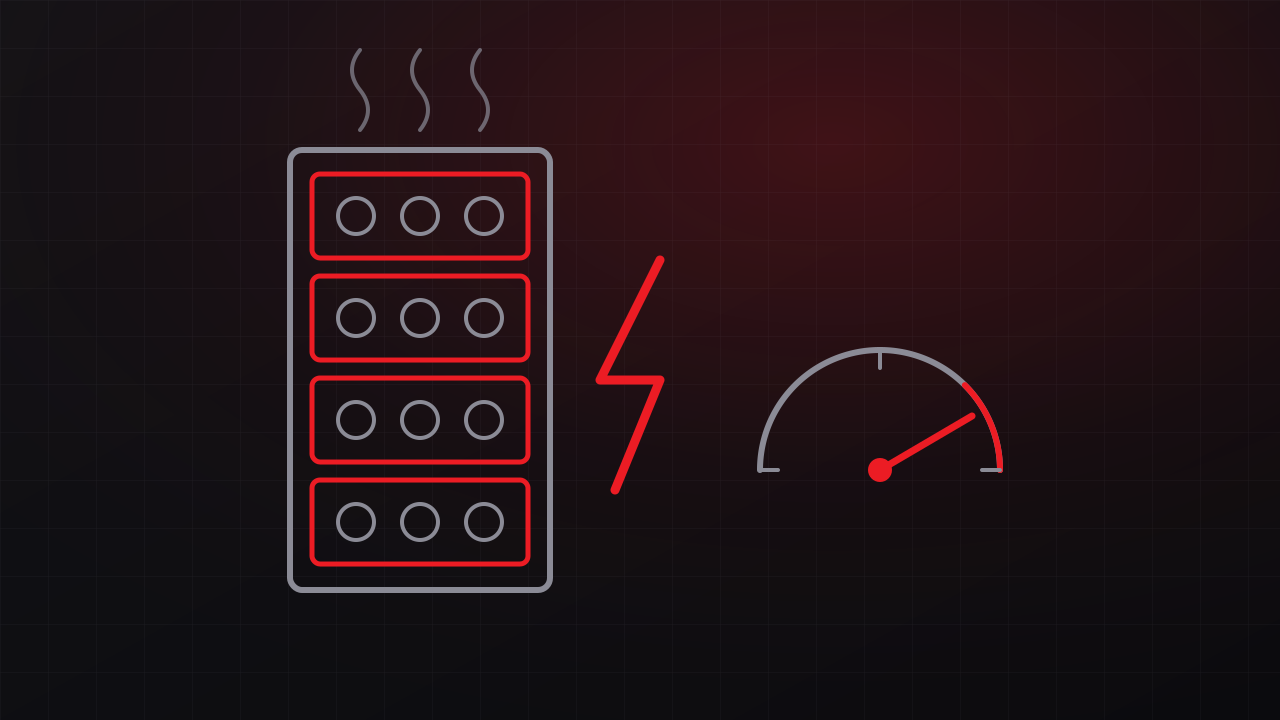
Organizations are bringing AI workloads in-house for privacy, cost, and latency reasons, and that usually means GPU servers in a room designed years ago for general-purpose IT. Those servers can draw several times the power of the equipment the room was built around, so power and cooling capacity need to be checked before the hardware arrives.
Manufacturer specifications for current eight-GPU servers list maximum system power around 10 kW or higher for a single chassis. Many server rooms were built around racks drawing a few kilowatts each. Before the purchase order goes out, check these five things.
1. Get the real power numbers
Plan from the manufacturer’s maximum system power, then confirm with measurements once the system is running. GPU training jobs tend to run the hardware near full power for hours or days, so average and peak draw sit much closer together than on typical business servers, which spend much of their time lightly loaded. Inference workloads vary more; plan for the peak.
Two details deserve attention before anything is ordered:
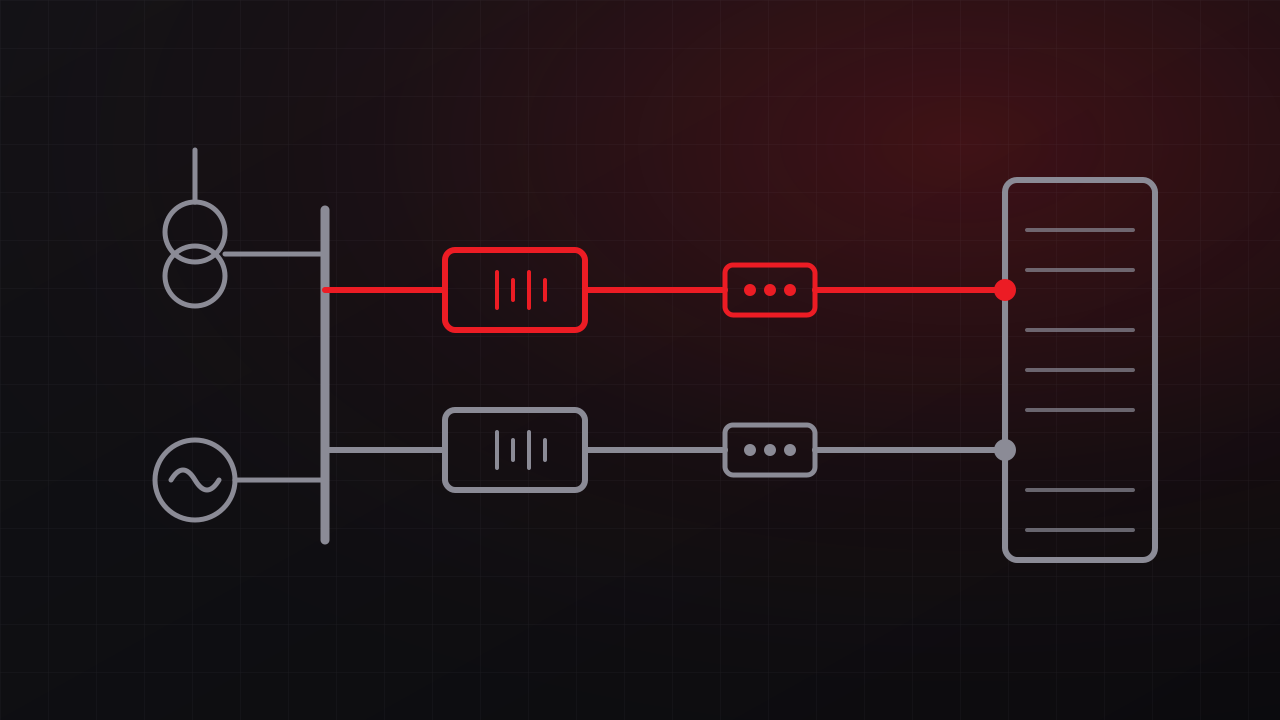
- Power supply configuration. GPU servers often ship with several power supplies, and some need a majority of them running to deliver full performance. If the supplies are split evenly across A and B feeds, losing one feed can leave too few supplies running, and the server throttles or shuts down. Know the redundancy scheme of the power supplies before you design the rack power.
- Input voltage. Many high-output power supplies require 200 to 240 V input and cannot deliver their full rating on 120 V circuits.
2. Check the circuits
Branch circuits for continuous loads are typically limited to 80 percent of the breaker rating. At unity power factor, that gives these approximate capacities:
| Circuit | Usable capacity at 80 percent |
|---|---|
| 120 V, 20 A, single-phase | 1.9 kW |
| 208 V, 30 A, single-phase | 5.0 kW |
| 208 V, 30 A, three-phase | 8.6 kW |
| 208 V, 60 A, three-phase | 17.3 kW |
| 415 V, 30 A, three-phase | 17.3 kW |
A single 10 kW server exceeds any single-phase 208 V, 30 A circuit, and a rack of four such servers needs roughly 40 kW.
Redundancy changes the math. With A and B feeds, each feed must carry the whole rack if the other fails, so the usable capacity of the rack equals the capacity of one feed. Two 208 V, 30 A three-phase circuits support about 8.6 kW of redundant load, with the second circuit providing the redundancy.
Also confirm that the upstream panel and feeder have capacity for the new circuits, and that the rack power strips are rated for the load and use the connector type the servers need.
3. Check the UPS
A UPS rated for 20 kW that already carries 12 kW cannot absorb a 10 kW server. Check:
- Capacity in kilowatts against the current measured load plus the new load, with margin.
- Runtime. Battery runtime falls faster than load rises, and doubling the load typically cuts runtime to less than half. Recalculate runtime at the new load with the manufacturer’s sizing tools.
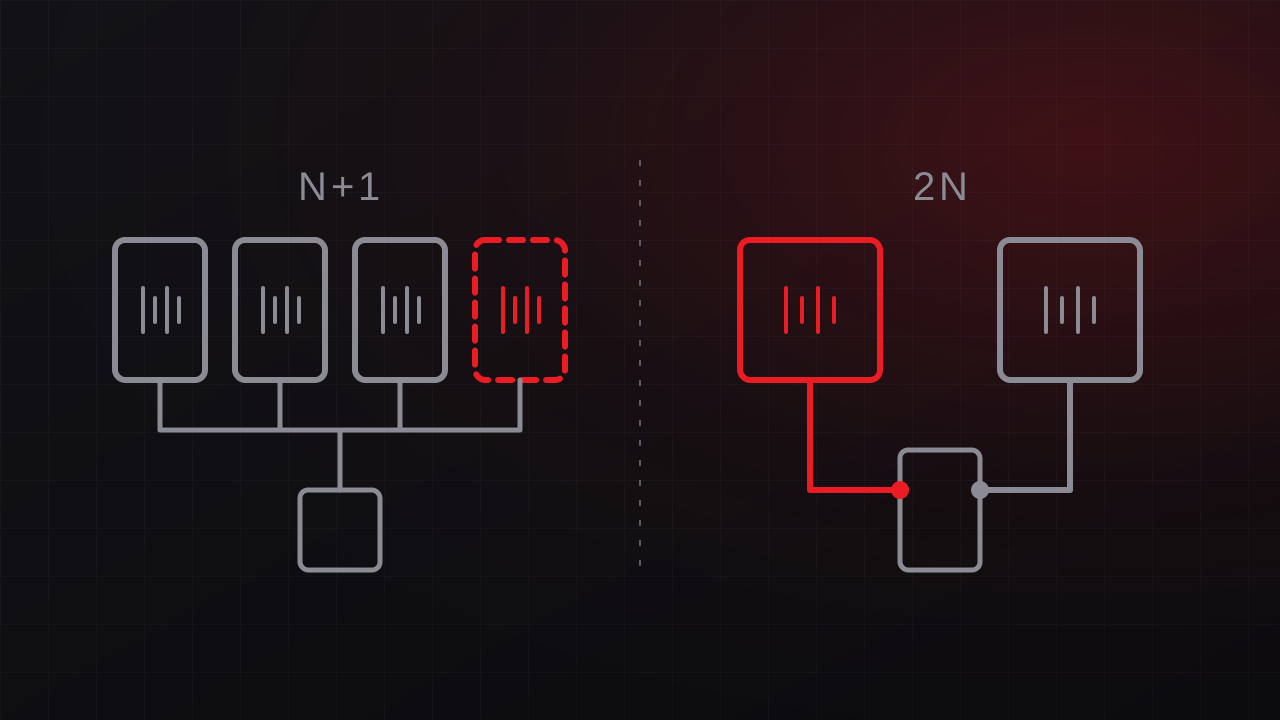
- Redundancy. If the room’s UPS is N+1 or 2N today, confirm it stays that way with the new load. Our N+1 vs. 2N guide explains what each level requires.
- Load swings. Large training jobs can shift power draw quickly as GPUs move between computation and communication phases. At server-room scale this is mostly a sizing question, and it is worth confirming with the UPS manufacturer that the unit handles repeated large load steps.
4. Check the cooling
Every watt a server draws becomes heat in the room. One kilowatt of IT load produces about 3,412 BTU per hour, so a 10 kW server adds roughly 34,000 BTU per hour, close to three tons of cooling. Compare that with the capacity of the room’s cooling units, with one unit out of service if the room depends on cooling redundancy.
Density matters as much as total capacity. A room with enough total cooling can still develop hot spots when the load concentrates in one rack. Hot and cold aisle containment, blanking panels, and rear-door heat exchangers extend what air cooling can handle. At higher densities, liquid cooling becomes the practical option, and its pumps and heat rejection equipment add electrical load of their own.
5. Check the room’s protection
Adding expensive hardware to a room raises the cost of every weakness in it. Confirm that the UPS has a maintenance bypass, that a generator or generator connection covers the room if the workloads must run through long outages, that monitoring and alarms cover power and temperature, and that the new racks are properly grounded and bonded.
When the room falls short
Options, roughly in order of effort:
- Add dedicated higher-voltage circuits from an existing panel with spare capacity.
- Add a separate UPS sized for the GPU rack.
- Upgrade the room’s service, distribution, and cooling as a planned project.
- Place the GPU systems in a colocation facility built for high density, with a secure connection back to your network.
- Run the workload on a cloud GPU service if the privacy and cost analysis supports it.
The right answer depends on how many GPU systems you expect over the next few years. A single server can often be accommodated with targeted changes. A roadmap of several racks usually justifies a room upgrade or a colocation plan.
Plan it before the hardware ships
GTech’s data center power design service includes assessments of existing rooms and the design of the upgrades they need. Our AI integration practice helps decide which workloads belong on private hardware in the first place, and our managed IT team can support the systems once they are running. Free consultation: 805-979-9897.